
M3U, Xtream and MAC
M3U/M3U8 playlists by URL or file, Xtream Codes accounts and MAC portals (Stalker/Ministra). Detects Xtream URLs and converts them automatically.
IPTV PREMIUM WORLD is an IPTV app built for Android: Android TV, TV Box, Fire TV, phone and tablet. Open M3U/M3U8 playlists, Xtream Codes accounts and MAC portals with programme guide, catch-up, radio and favourites. Fast, beautiful and ad free. Try it free for 14 days, then activate your device here with PayPal or card.
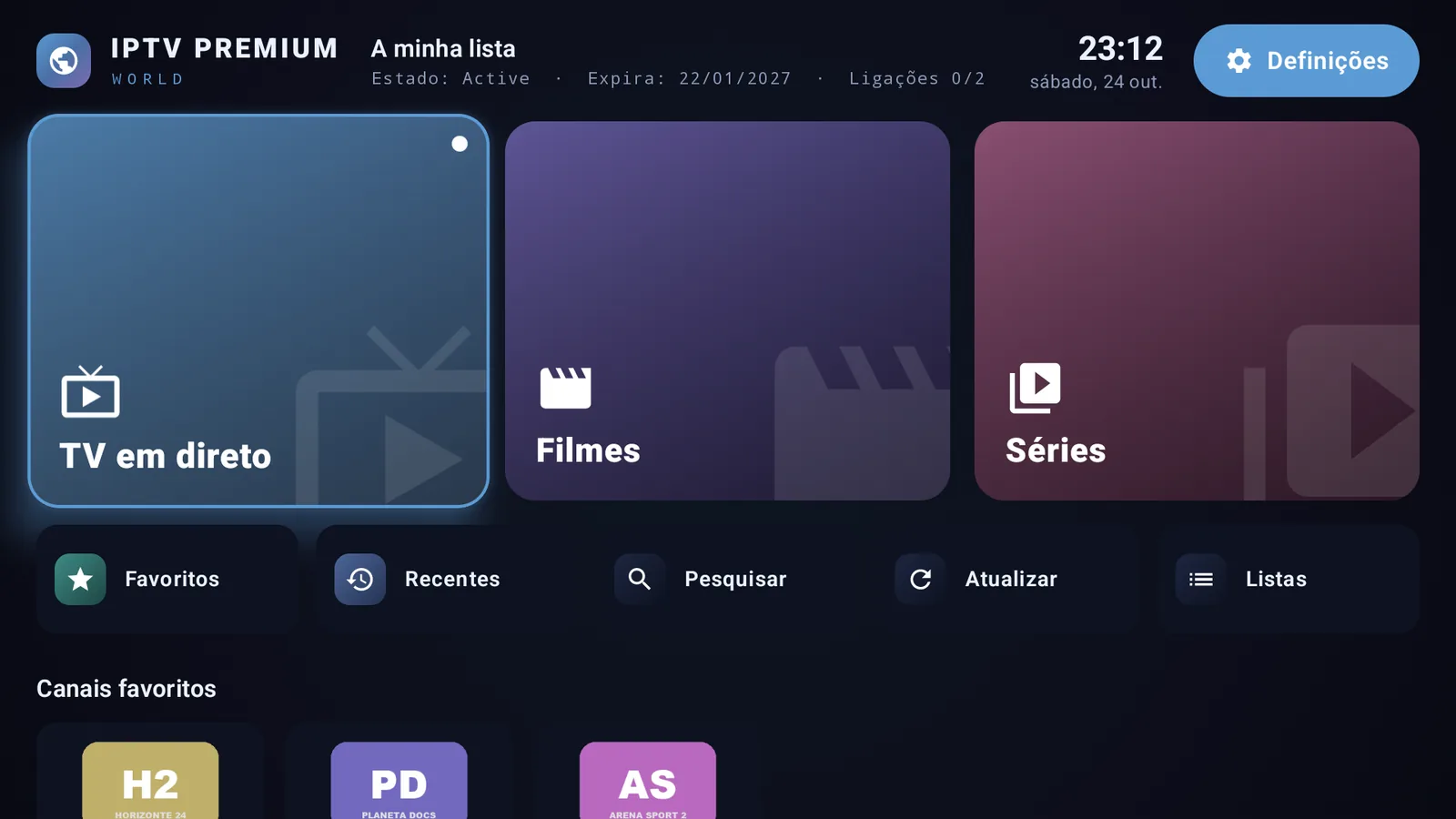
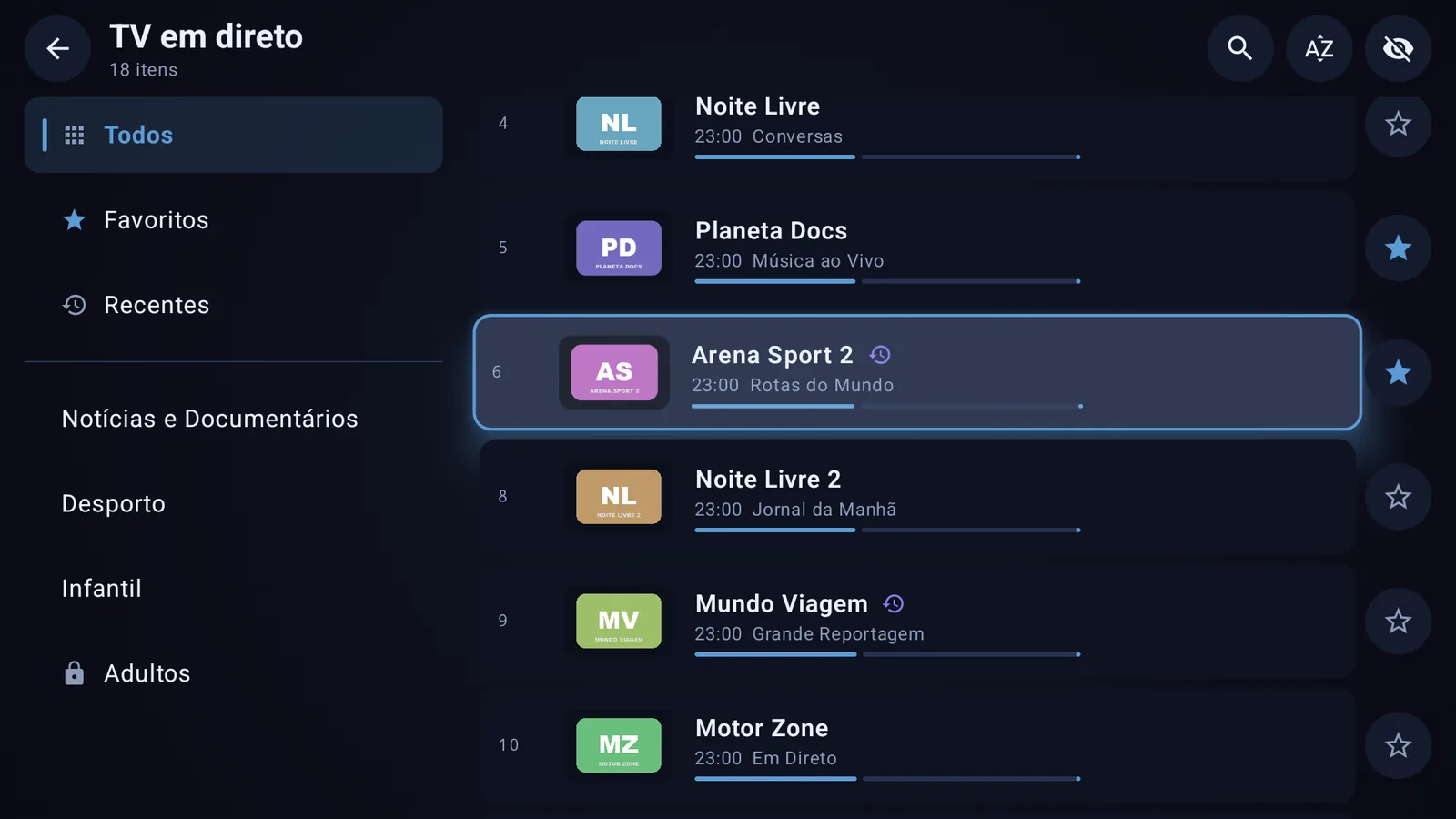
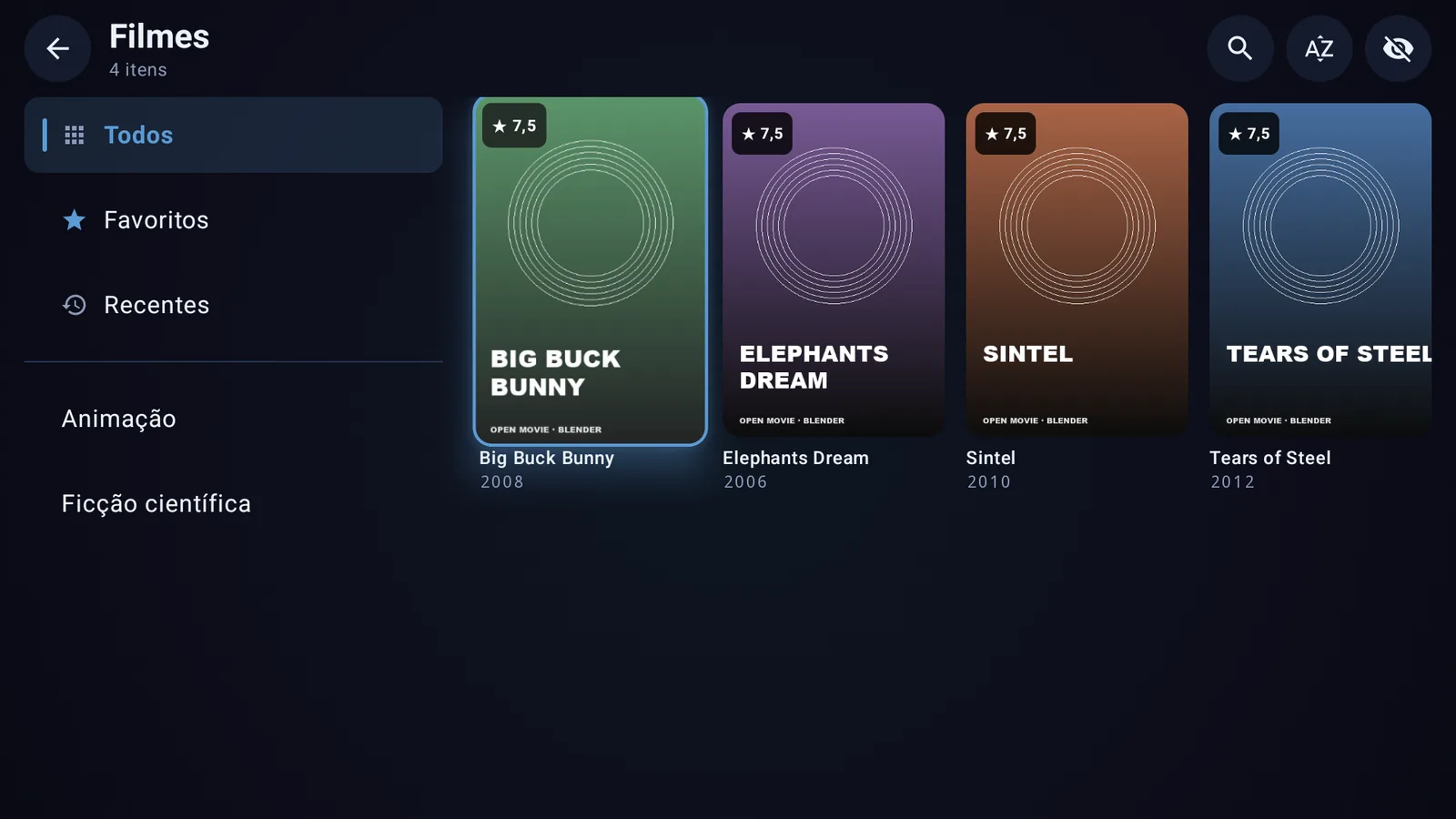
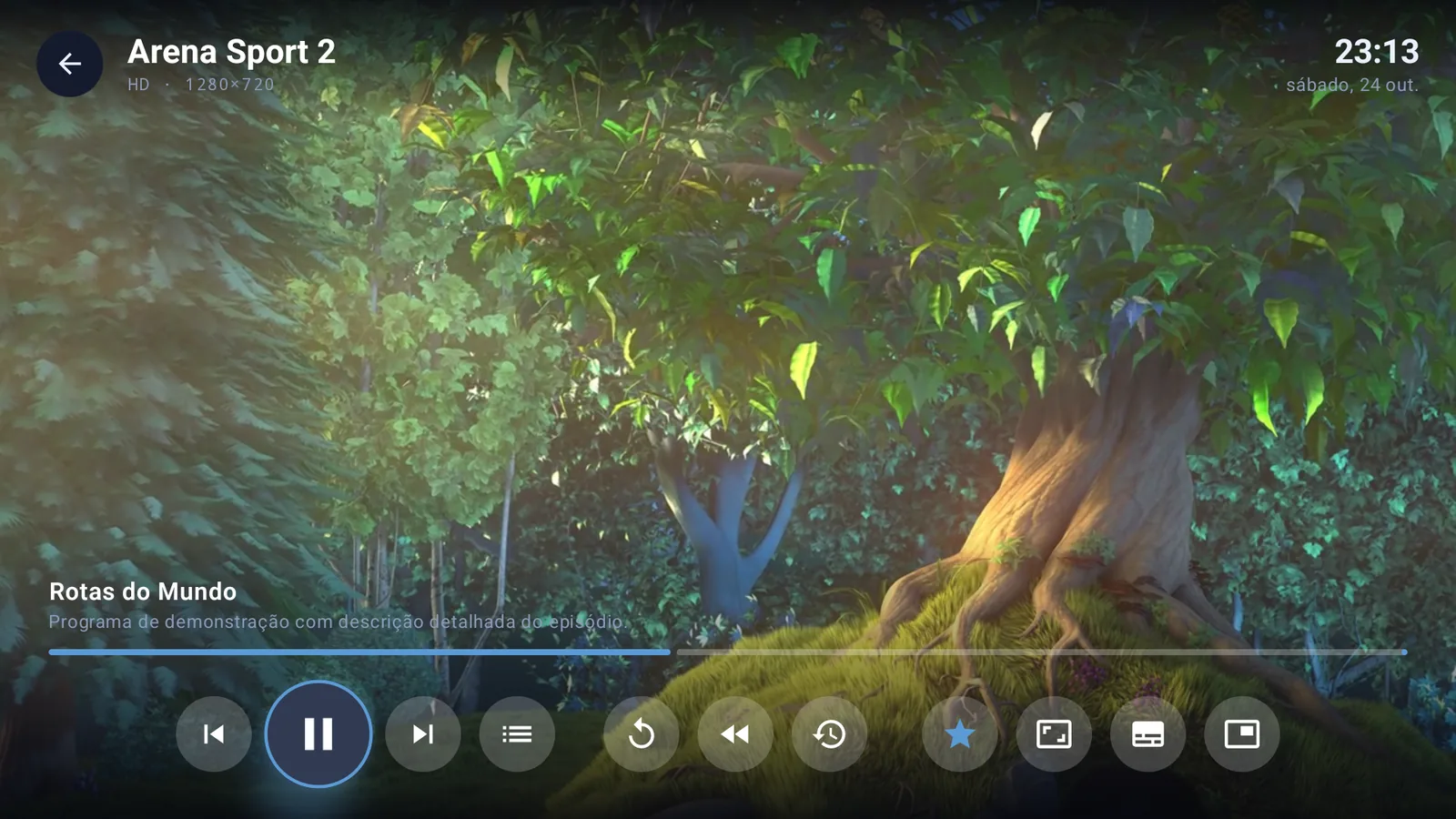
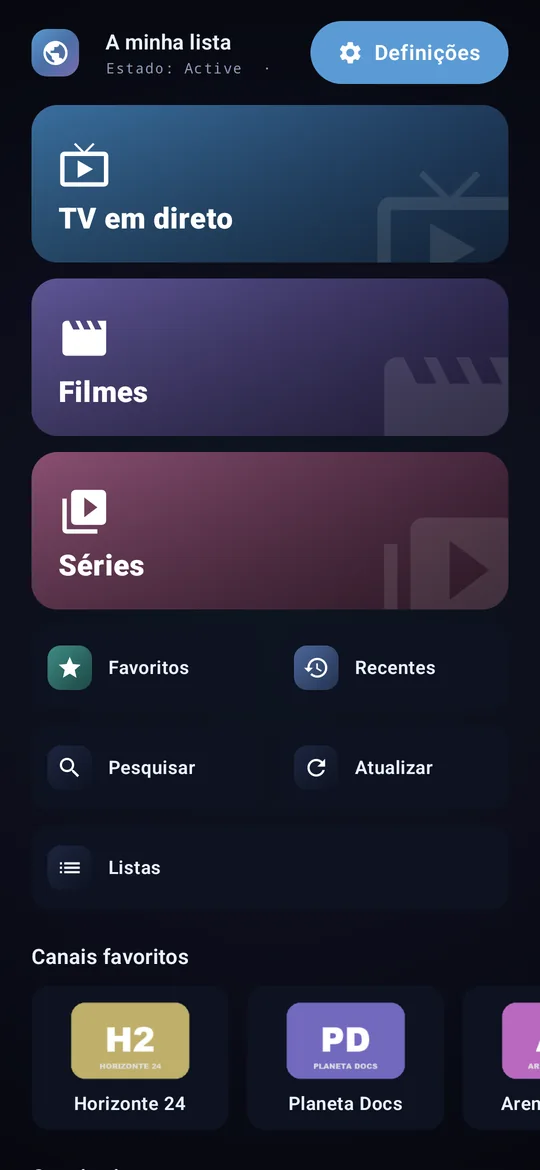
Press the button and the channel is already playing. IPTV PREMIUM WORLD was built from scratch for Android with one obsession: zero waiting. From start-up to zapping, everything happens in the blink of an eye, even on the most modest TV Boxes.
Built from scratch for Android, designed for the TV remote and for touch screens. Fast on modest boxes, beautiful on 4K screens.
M3U/M3U8 playlists by URL or file, Xtream Codes accounts and MAC portals (Stalker/Ministra). Detects Xtream URLs and converts them automatically.
Rewind live TV with the remote arrow, watch the programme from the start or pick a past programme from the archive.
Channels, Movies, Series and Radio tabs you can reorder by drag and drop. Favourite categories stay pinned at the top.
When your playlist includes radio stations, they get their own section and a tab in favourites.
Watch the channel in a small window while browsing the list, then open it full screen.
Now and next on every channel, per-channel guide and XMLTV support with time zone adjustment.
Details with synopsis, seasons and episodes, "continue watching" and autoplay of the next episode.
Full remote navigation, ▲▼ zapping, number keys, channel list overlay and Picture-in-Picture.
Pick your preferred language from 30, switch tracks while playing and adjust subtitle size.
PIN with brute-force protection, locking of categories and adult content, which never shows in "Recently watched" or "Continue watching".
Encrypted credentials (AES-256), optional secure DNS, no ads and no tracking. Your data stays on your device.
Every playlist is tested before it is saved and duplicates are refused. No repeated entries, no broken playlists.
When your provider offers an archive, IPTV PREMIUM WORLD detects it automatically in Xtream Codes, in M3U playlists with catchup attributes and in MAC portals.
Soft or neon tones, 19 accent colours and an interface designed for the living room.
No accounts: install, add your playlist and you get 14 days free to try everything. Then activate your device here.
On the TV use the shortcut iptvpremiumworld.com/apk in the Downloader app. On a phone, tap Download.
Paste the M3U URL, the Xtream Codes details or your provider's MAC portal and tap Save and open.
Live TV, movies, series, radio, guide and catch-up, with 14 days free. To continue, activate the device with PayPal or card.
iptvpremiumworld.com/apk and confirm Install.iptvpremiumworld.com/apk and install.App built for Android. Latest version for Android TV, TV Box, Fire TV, Android phone and tablet.
SHA-256: 9a6e9ee3edf7bb6facc619e62f1013fa70f40715dda7ffae64546577e9c4493d
Every device gets a 14-day free trial from the first time it opens the app. To continue after that, register the device MAC address and choose a licence: €5.99 per year or €13.99 for life, paid with PayPal or card.
In the app, open Settings › Link this device (or the Link shortcut on the home screen).
Point your phone camera at the QR code: this page opens with the MAC already filled in.
No camera? Copy the 00:1A:79:XX:XX:XX code shown in the app into the field.
Payment is made through PayPal checkout: use your PayPal account or a debit or credit card (Visa, Mastercard) without creating an account. We never see or store card details. The licence is linked to the device MAC.
Loading plans…
Payment processed by PayPal (PayPal or Visa/Mastercard card). By paying you accept that the licence is linked to the MAC entered. The app is only a player and does not include playlists, channels or content.
No. IPTV PREMIUM WORLD is only a media player. It does not provide, sell or include playlists, channels or content. Only use playlists and services you are entitled to access.
M3U and M3U8 playlists (by URL or file), Xtream Codes accounts (server, username and password) and Stalker/Ministra MAC portals. The programme guide can come from the server or from an XMLTV URL.
IPTV PREMIUM WORLD was built exclusively for Android. It works on Android TV, Google TV, Android TV Box, Amazon Fire TV, Android phones and tablets with Android 6.0 or later. The interface adapts to the TV remote and to touch screens. There is no version for iPhone, iPad, computers or Samsung/LG Smart TVs.
On channels where your provider offers an archive, you can rewind with the left arrow on the remote, watch the current programme from the start or pick a past programme in the guide. It works with Xtream Codes, M3U playlists with catchup attributes and MAC portals.
In the app, open Settings › Link this device (or the Link shortcut on the home screen). A QR code appears: scan it with your phone and the website opens with the MAC (format 00:1A:79:XX:XX:XX) already filled in. The window also shows whether the device is on trial, linked or has an active licence.
You can try it free for 14 days on every device, with no ads and no account. After the trial, to keep using the app, register the device MAC address on this website and choose a licence: €5.99 per year or €13.99 for life, paid with PayPal or card (Visa, Mastercard).
The trial starts automatically the first time you open the app on a device and lasts 14 days, with every feature. No card or account needed. Reinstalling the app does not restart the trial.
In the Activate section: 1) check the device status with its MAC address; 2) register the MAC with your email; 3) choose a plan and pay with PayPal or card. Then reopen the app: it confirms the licence automatically.
PayPal and debit or credit card (Visa, Mastercard), through PayPal's secure checkout. You do not need a PayPal account to pay by card, and we never see or store card details.
Because it was built from scratch for Android, with no shortcuts. It is 100% native, uses your device's hardware video decoding and starts playing with just 2 seconds buffered. Logos and posters are cached on the device and playlists open without downloading everything again. The result is instant zapping, even on modest TV Boxes.
Yes. When your playlist includes radio stations, a Radio section appears, and you can mark them as favourites in the Radio tab of favourites.
Playlist data stays only on your device, encrypted with AES-256 and an Android Keystore key. The app has no ads and no tracking. The parental PIN is stored as a hash. To confirm the trial and the licence, the app only sends our server the device MAC address and the app version.
Install the Downloader app, allow installing unknown apps and enter the address iptvpremiumworld.com/apk. Installation takes less than a minute.